





1. Install the app
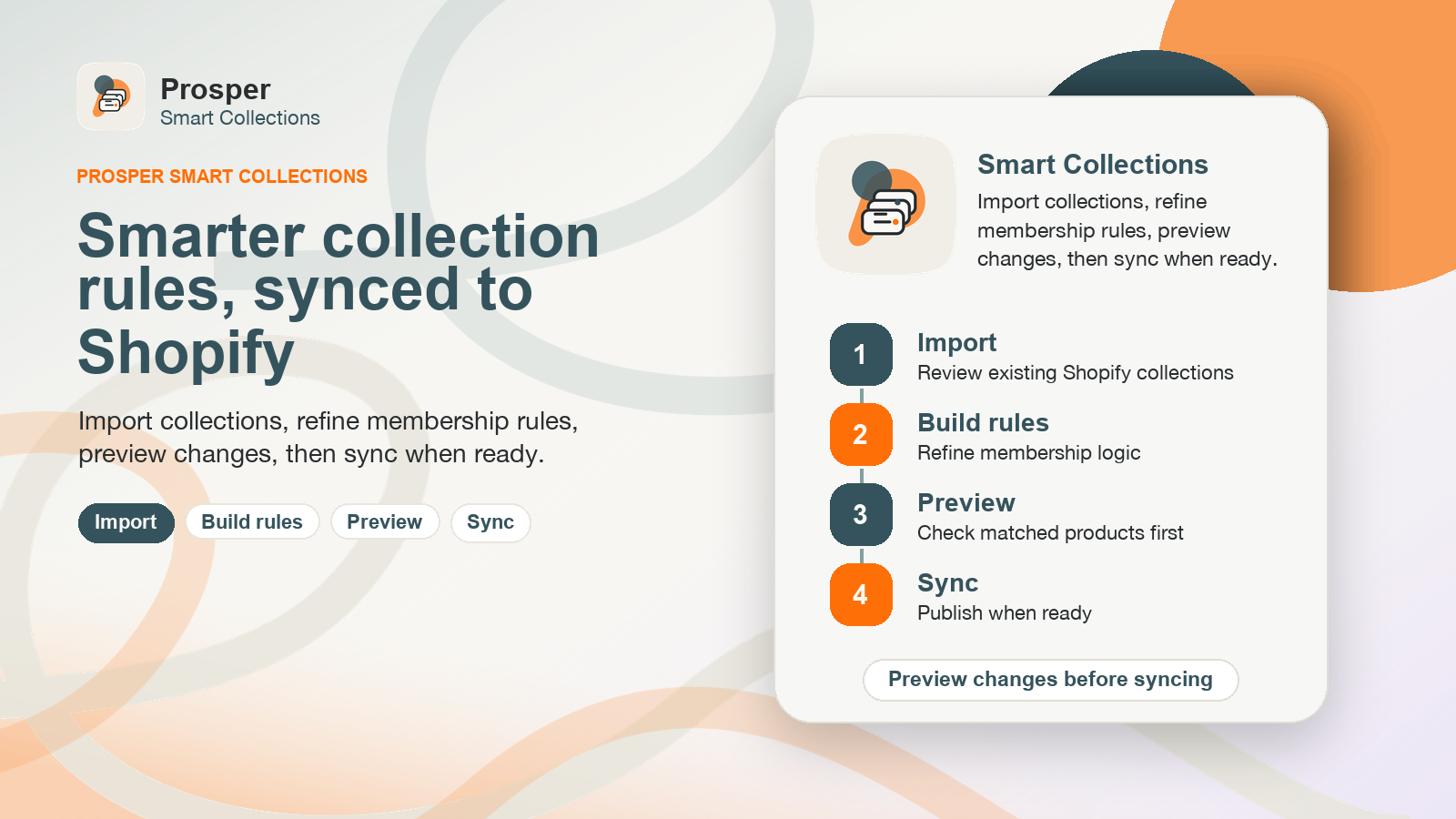
Install Prosper Smart Collections from the Shopify App Store and open it from Shopify Admin. Billing and subscriptions are handled through Shopify App Pricing.
2. Create or import a collection
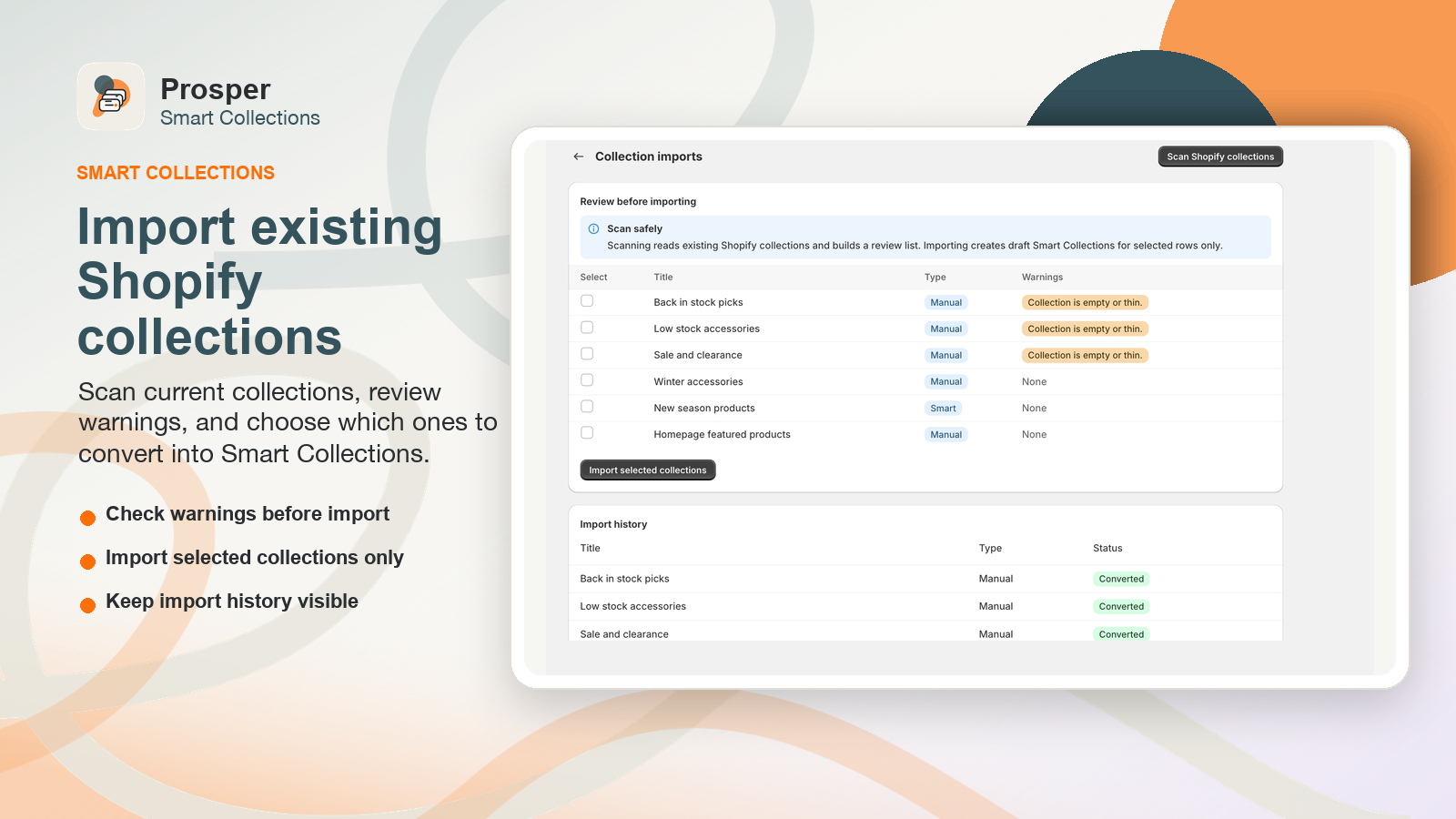
Start a new Smart Collection from a template or import an existing Shopify collection as a draft. Imports are reviewed before any sync, so current Shopify collections are not overwritten automatically.
3. Build nested rules
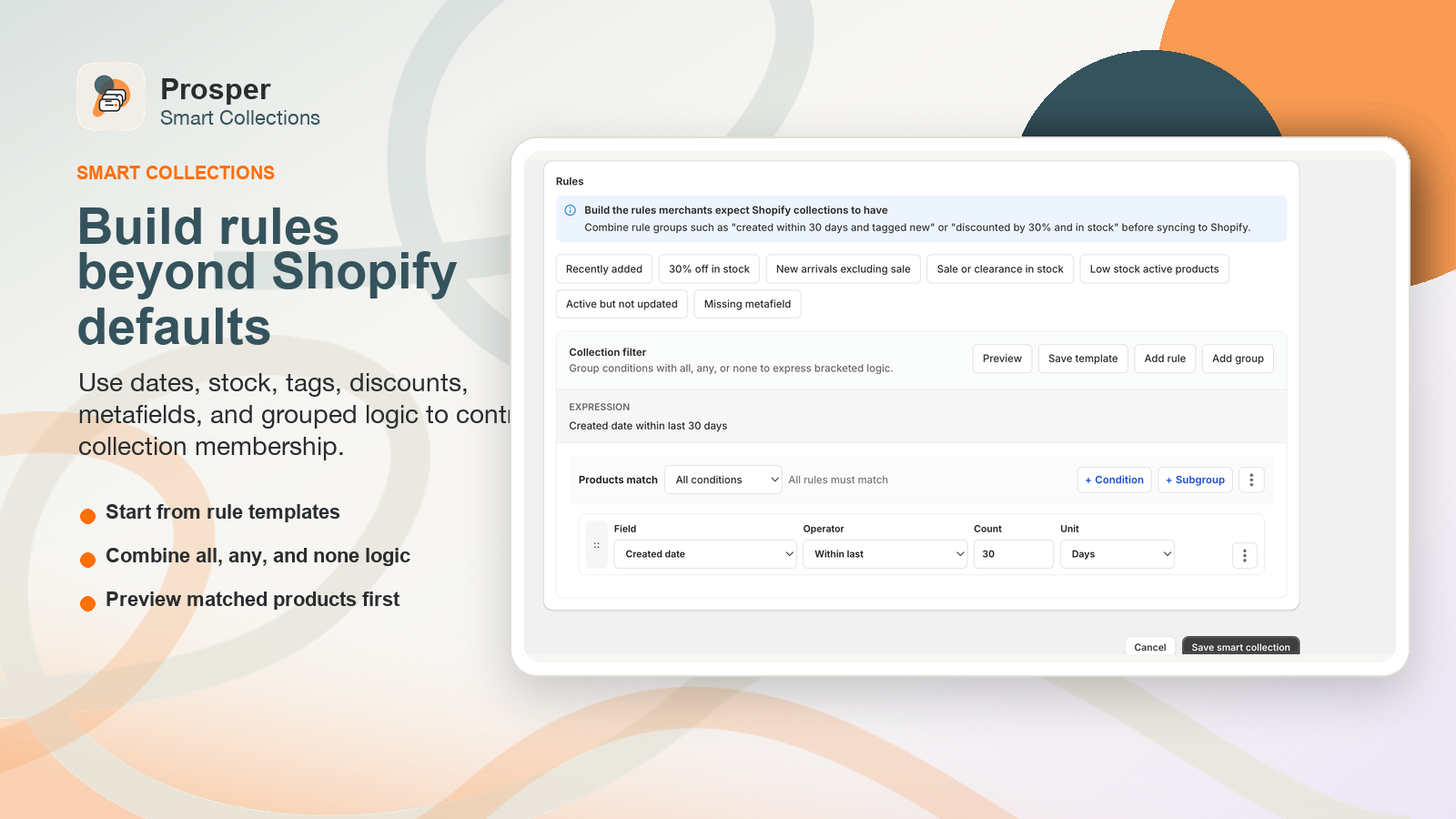
Create all, any and none groups to model real merchandising logic. Rules can use product data, tags, vendors, product type, status, inventory, sale pricing, rolling dates, compare-at price, and product or variant metafields.
4. Preview before sync
Run a preview to see matched, added, removed and unchanged products. Use the preview to catch wrong tags, missing metafields, unexpected inventory states or date-window issues before publishing changes.
5. Sync to Shopify
When the preview looks right, sync the Smart Collection to its app-managed manual Shopify collection. Your storefront continues to use standard Shopify collections and no theme changes are required.
6. Review history
Use sync history and rule versions to understand what changed. If a rule needs adjustment, edit the draft logic, preview again, and sync when ready.
Common setup notes
- Use tags for simple operational labels.
- Use metafields for structured product attributes such as season, material, fit, range or launch status.
- Use none groups for exclusions such as clearance, wholesale, archived or hidden products.
- Use rolling dates for new-arrival and launch collections that should update over time.
- Use preview results as the approval step before collection membership changes.